ASUS VY249HGR Eye Care Gaming Monitor – 24 inch FHD (1920x1080), IPS, 120Hz OC, SmoothMotion, 1ms MPRT, Adaptive Sync, Eye Care Plus, Blue Light Filter, Flicker Free, antibacterial treatment
Product Price
$119.48 $92.63
Product Review Score
4.4 out of 5 stars
117 reviewsProduct Brand

We found the best options for you
Loading...



When you order through these links, we may earn a commission at no additional cost to you.
Additional Product Details
- ASUS VY249HGR Eye Care Gaming monitor is designed with your health in mind. It features IPS FHD panel that delivers exceptional visuals. Ideal for eLearning, work or entertainment, the combination of a 120 Hz(OC)* refresh rate and Adaptive Sync support ensures you’ll enjoy consistently smooth visuals with any content. It features ASUS Eye Care Plus technology to ensure everyday comfortable viewing
- Experience rich, true-to-life visuals with the 23.8-inch Full HD (1920 x 1080) IPS panel, offering 178° wide viewing angles and support for 16.7 million colours. Enjoy sharp images, vivid colours, and stunning clarity, whether you're editing photos, streaming content, or working on documents
- With a 120Hz (OC) refresh rate and 1ms MPRT response time, you'll benefit from fluid animation and reduced motion blur across casual gaming, video playback, and daily tasks. Adaptive Sync technology minimises screen tearing for a more immersive and stutter-free experience
- When it comes to design, ASUS always has customers in mind – ASUS exclusive GamePlus hotkey with Crosshair, Timer, FPS counter and Display Alignment functions to give you in-game enhancements that help you get more out of your game. Co-developed with input from professional gamers, these tools help improve aim, awareness, and overall performance
- How to Overclock your monitor to 120hz: power on the monitor and ensure the HDMI/ Display Port cable is plugged into your Console/ PC Graphics Card; click the monitor’s physical toggle switch for the On Screen Display menu to appear; navigate to ‘Gaming’ > ‘Overclocking’ and enable OC mode; lastly type in 'Advanced Display' into your windows search bar to open the Window’s menu and set the refresh rate
Our Policies
- Secure Checkout
- Guaranteed safe & secure
- Fast Shipping
- Fast shipping to your doorstep
You might also like...
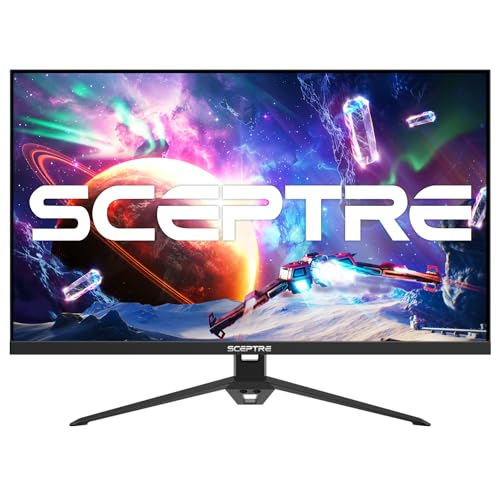
Sceptre 24" 165Hz Gaming Monitor
Product Review Score
4.27 out of 5 stars
106 reviews$129.97 $109.97