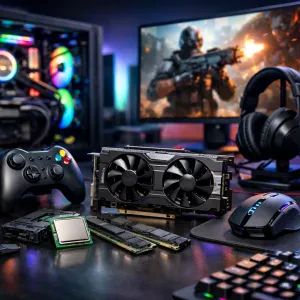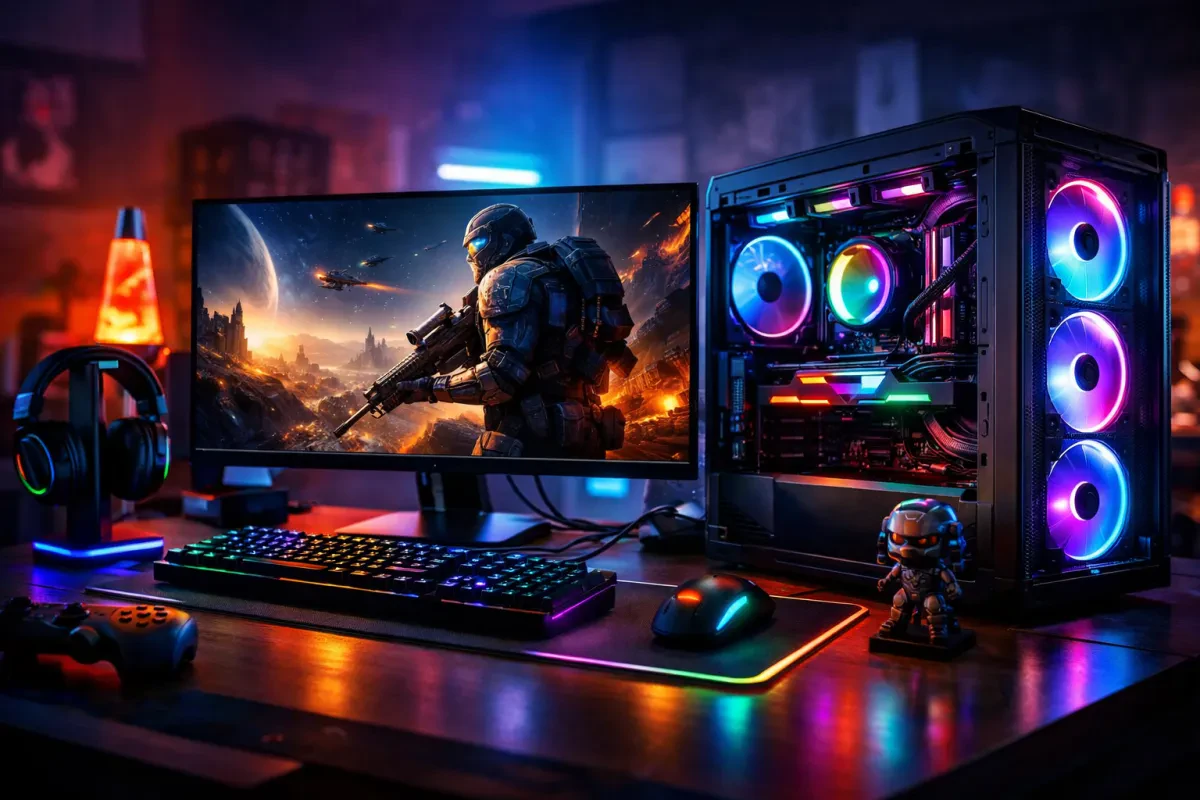
Picking the right processor is one of the most crucial steps when you're choosing a gaming desktop PC. The processor, or CPU, handles all the heavy lifting for your games and programs. You want something that can keep up with the action, especially if you’re into fast-paced titles.
Look for CPUs with strong multi-core performance. Games these days often use multiple cores to run smoothly, so having a processor with at least four cores can make a big difference. Popular options like AMD Ryzen and Intel Core have some solid choices at different price points. If you can, opt for something in the mid-range of these lines. You’ll get great performance without completely breaking the bank!
Also, pay attention to clock speeds. Higher clock speeds usually mean faster performance for tasks like gaming, so keep an eye out for processors with speeds around 3.0 GHz or higher. Don’t forget to check benchmarks too. They give a clear picture of how a CPU performs in real-world gaming scenarios. Comparing these numbers can help you spot a winner when you’re choosing a gaming desktop PC.
Lastly, think about future upgrades. If you plan on keeping your rig for a while, consider a processor that has some room to grow. Some CPUs are designed to be easily upgraded with future generations, which can save you money down the road. So when you’re diving into choosing a gaming desktop PC, keep these tips in mind, and you’ll find a processor that fits your gaming needs perfectly!
Graphics Cards That Elevate Your Experience
When you're choosing a gaming desktop pc, the graphics card is a game changer. It's the heart of your gaming experience, bringing your favorite titles to life with stunning visuals. If you want smooth gameplay and crisp graphics, you need a capable GPU that matches your gaming needs.
Look for cards that deliver high frame rates and support the latest tech, like ray tracing. Brands like NVIDIA and AMD have some fantastic options. For instance, the NVIDIA GeForce RTX 3060 is solid for 1080p and 1440p gaming. If you’re into ultra settings, the RTX 3080 takes things up a notch and ensures you get the visual treats you crave.
Don’t forget about the AMD Radeon RX series, either. The RX 6700 XT stands out for its performance in competitive games and provides great value. It’s perfect if you want top-notch gaming without emptying your wallet. Both AMD and NVIDIA offer excellent drivers and support, making it easier to enjoy your games without hassle.
When you're choosing a gaming desktop pc, consider future-proofing your setup. Grab a card that not only meets current demands but also handles upcoming titles. Investing in a solid graphics card will keep you gaming happily for years to come. So, check out reviews and benchmarks to find the best fit for your gaming style!
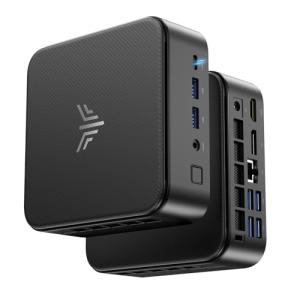
NiPoGi E3B Mini PC AMD Ryzen 5 7430U(up to 4.3GHz 6C/12T) Mini Computer 16GB DDR4 512GB M.2 SSD Mini PC Windows 11 Pro 4K Triple Display/WiFi 6/BT5.2/USB3.2 Mini Desktop Computer for Office/Business
Product information
$497.82
Product Review Score
4.46 out of 5 stars
25 reviewsProduct links
Essential Storage Options for Gamers
When you're choosing a gaming desktop PC, storage is a big deal. You need enough space for games, apps, and all those updates that seem to pop up out of nowhere. Let's break down some essential storage options to keep your PC running smoothly and your game library accessible.
First off, there's the classic hard disk drive (HDD). These are cost-effective and offer plenty of storage—great if you have a massive game collection. You can usually find HDDs with a capacity of 1TB or more, so you can stockpile games without worrying about running out of space. However, they can be a bit slower when loading up games compared to newer tech.
Now, if speed is your jam, solid-state drives (SSDs) are the way to go. They load games and programs lightning fast, making those annoying waiting times a thing of the past. While they can be pricier per gigabyte than HDDs, many gamers swear by the performance boost. You don’t have to have a massive SSD; even 500GB can make a big difference for your main games.
For those of you who want the best of both worlds, consider a hybrid option like an SSD + HDD combo. You can store your frequently played games on the SSD for quick access while keeping everything else on the larger HDD. This setup gives you speed when you need it and space for all your games without breaking the bank.
Remember, when you're choosing a gaming desktop PC, think about how you game. Do you hop around games often, or do you stick to a few favorites? That'll help you decide how much storage you really need and what type is best for you. Happy gaming!
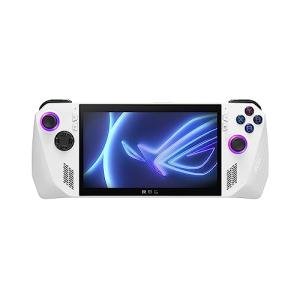
ASUS ROG Ally 7" 120Hz Gaming Handheld - AMD Z1 Extreme Processor - 512GB - White - PRE ORDER! (Renewed)
Product information
$549.99
Product Review Score
4.97 out of 5 stars
111 reviewsProduct links
Understanding RAM and Its Importance
When it comes to choosing a gaming desktop PC, understanding RAM is super important. RAM, or Random Access Memory, is like your computer's short-term memory. It helps your system keep track of the tasks it's juggling at any moment. The more RAM your gaming PC has, the better it can handle multiple tasks without slowing down.
During intense gaming sessions, your PC needs to quickly access and process data. If you don't have enough RAM, your system may struggle, leading to lag and stutter in your games. This can really affect your performance and overall gaming experience. That's why when you're choosing a gaming desktop PC, you want to aim for at least 16GB of RAM. This amount is usually sufficient for most modern games and will keep your rig running smoothly.
Higher-end setups, especially for gaming or streaming, often benefit from 32GB or even 64GB of RAM. This helps avoid any slowdowns and allows you to multitask effectively. Just imagine being able to game while streaming or chatting without any hiccups. If you plan to do more than just gaming, consider how much RAM you might need.
Don't forget about the speed of the RAM as well. Faster RAM can improve load times and overall performance. Look for options with higher MHz ratings for a better experience. When you're choosing a gaming desktop PC, don't just check the amount of RAM—pay attention to its speed too. Investing in the right RAM can make your gaming sessions way more enjoyable.